The screenshots show the Simplified Chinese interface. Button names in your language may differ.
This guide covers ChatGPT membership top-up orders. For a Codex SMS order, open the order page to view the number and its SMS link.
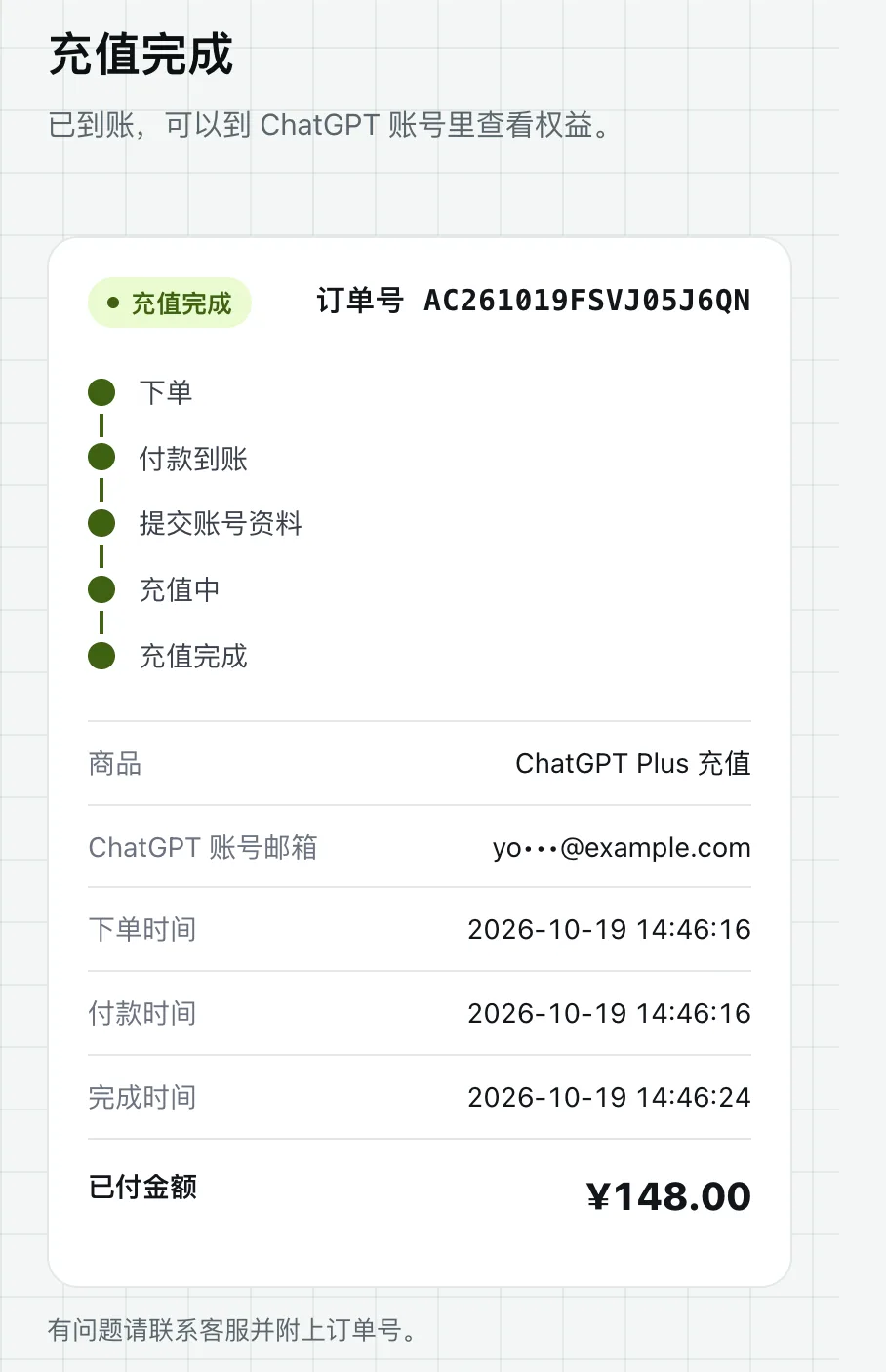
What each order status means
| Status | What it means | What to do |
|---|---|---|
| Awaiting payment | The order is placed and stock is reserved for you | Pay before the timer expires. Unpaid orders close automatically without a charge. |
| Needs session data | Payment received, account session data required | Follow the order page steps to submit your data. |
| Awaiting confirmation | The current plan has been checked and is ready for your review | Select “Confirm top-up” after checking the plan has expired. If it is still active, wait or ask support about upgrading over it. |
| Topping up | The top-up was submitted and delivery is being checked | Wait for the order page to refresh automatically. |
| Completed | Delivery has been confirmed | Refresh ChatGPT to see your membership. |
| Under review | Automation has paused because the result is uncertain, such as after a timeout or disconnect | Wait for manual review. The top-up is retried only after staff establish the result. |
| Top-up failed | The attempt failed and your payment remains on the order | Support can retry or refund to the original payment method. |
| Refunding / Refunded | A refund has been started or returned to the original method | Check your payment provider for when it will appear. |
| Closed | The unpaid order expired without a charge | Place a new order if you still need the top-up. |
What to check if the membership has not arrived
- “Awaiting payment” means payment has yet to reach the order. If the payment app shows a charge, select “I’ve paid, refresh status” on the payment page.
- For “Needs session data,” payment has arrived. Follow step 3 of the setup guide to submit the data.
- For “Awaiting confirmation,” review the account and plan, then follow step 4 of the setup guide to confirm the top-up.
- For “Topping up,” allow a few minutes for the page to refresh automatically.
- If the order says “Completed” and ChatGPT has not updated, refresh ChatGPT or sign out and back in.
- If the status has not changed for a long time, send your order number to WeChat support so we can check the payment and delivery records.
How to find the order on another phone or computer
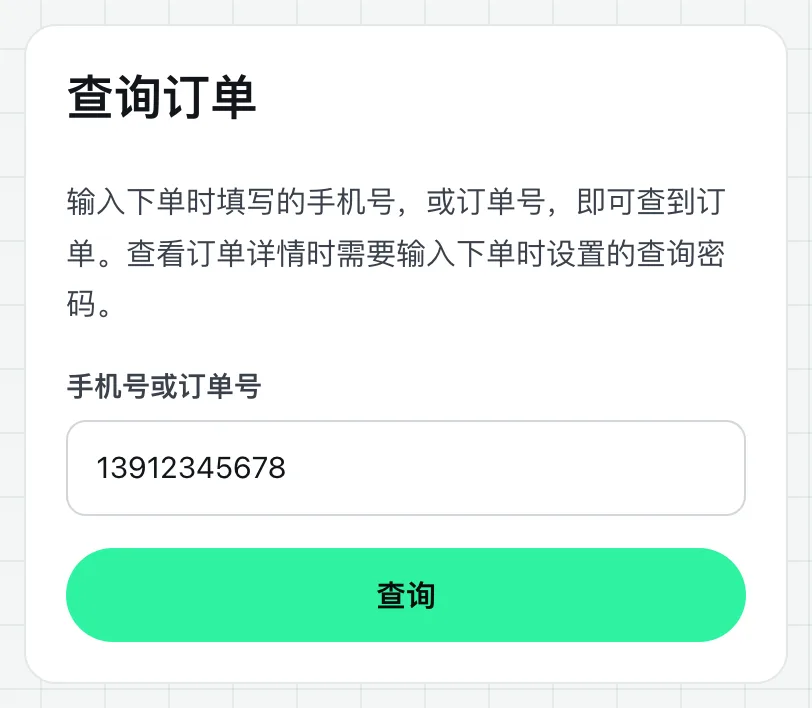
Open My orders, enter the phone number you used at checkout or your order number, and select “Search.” Complete the Cloudflare verification if prompted.
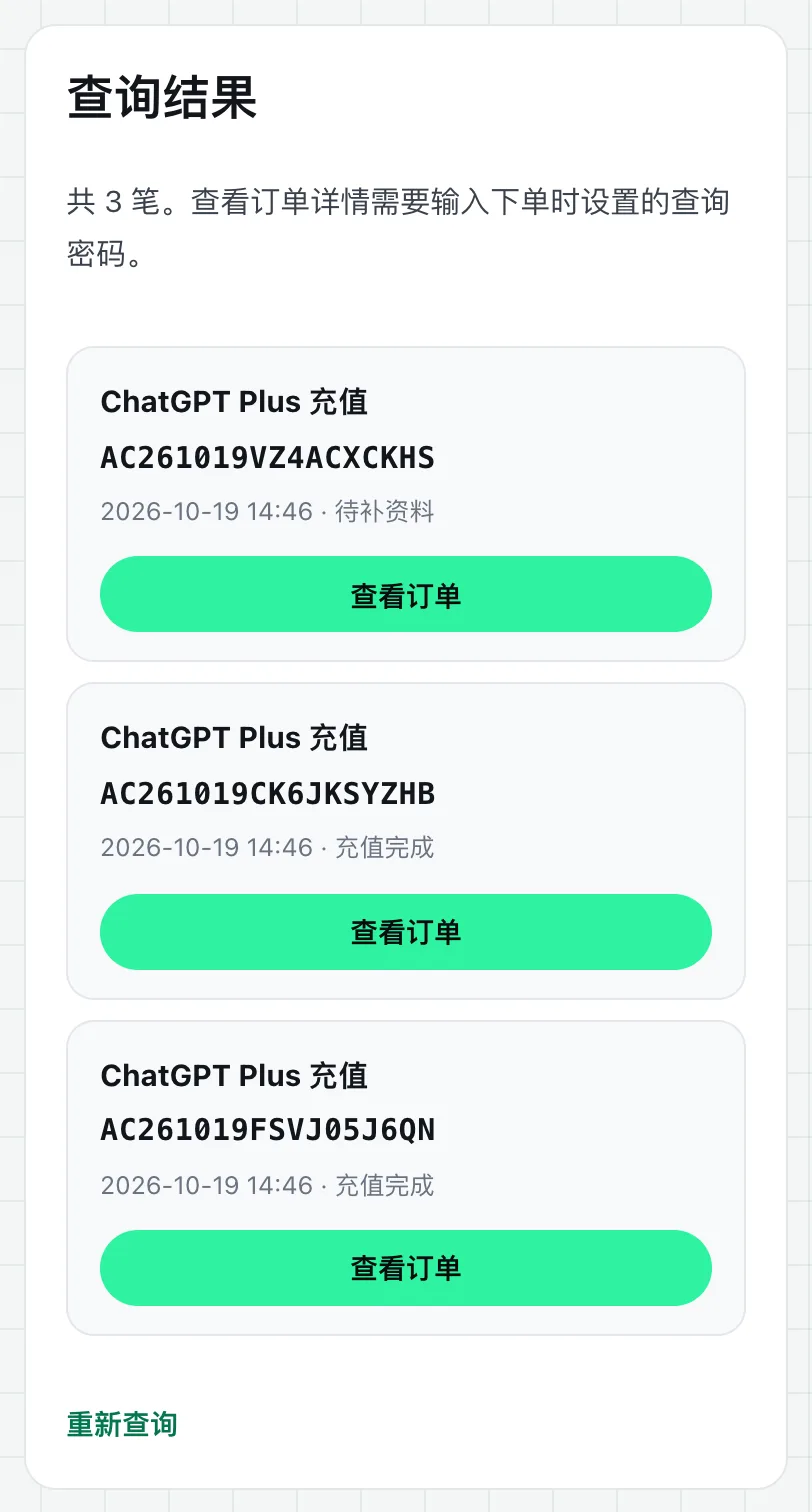
Results list the order number, product, placement time, and status. Select “View order” to see the details. Select “Back to orders” in the upper left to return. A phone number or order number can open an order, so keep these details private.
Payment checks
- Payment is confirmed by the provider’s notification or transaction records. A screenshot alone does not verify receipt.
- Use the same order while paying to avoid duplicate orders.
- An extra payment for the same order is refunded to the original method without triggering a second top-up.
Read the full service, refund, and warranty terms.